How to Improve Your WhatsApp Reply Rate in 7 Steps
Por
Matheus Baldo Cordeiro
Publicado el
If you’re investing in WhatsApp to engage customers, generate leads or move deals forward and they’re just not responding, you’re not alone.
Across dozens of Treble clients, from tech startups to enterprise brands, we’ve identified the top factors that influence reply rates on WhatsApp. The good news? Most are easy to fix.
In this article, we’ll walk you through a 7-step plan to help you boost your response rate and start more meaningful conversations.
🚀 Step 1: Track your current reply rate
Before optimizing anything, you need to know where you’re starting from.
✅ If you’re using Treble integrated with HubSpot or Salesforce, go to your dashboard in the CRM and check your reply rate per workflow, team, or number. You can also check this information in Treble’s platform metrics, in case you don’t have an integration.
A great benchmark: above 40% for outbound messages, 60%+ for re-engagement.
💬 Step 2: Personalize your first message
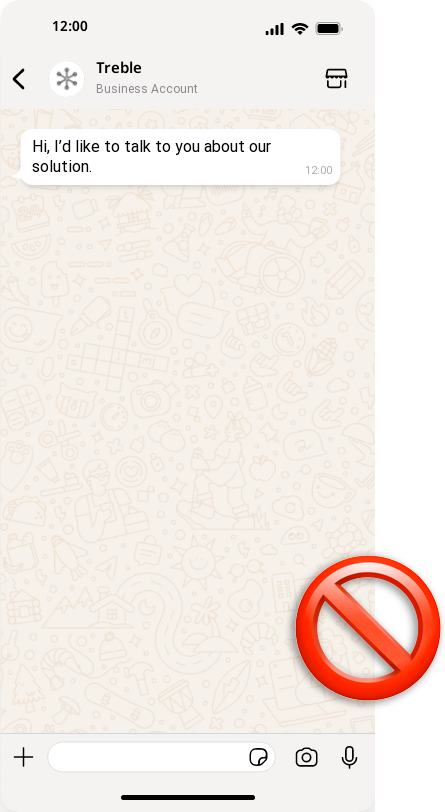
Generic intros are a reply killer. Instead of “Hi, I’d like to talk to you about our solution,” try:
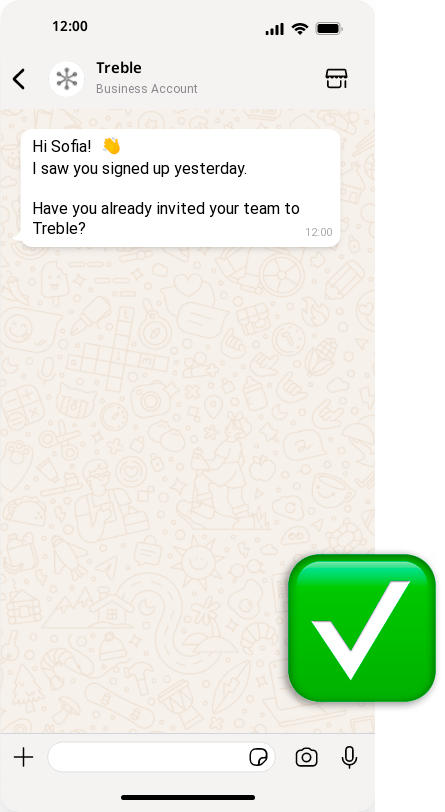
“Hi Sofia! I saw you signed up yesterday. Have you already invited your team to Treble?”
Use:
Their name (you can use it as a variable to send campaigns in bulk)
Context (sign-up, interest, previous interaction)
A specific, easy-to-answer question
🕐 Step 3: Optimize your timing
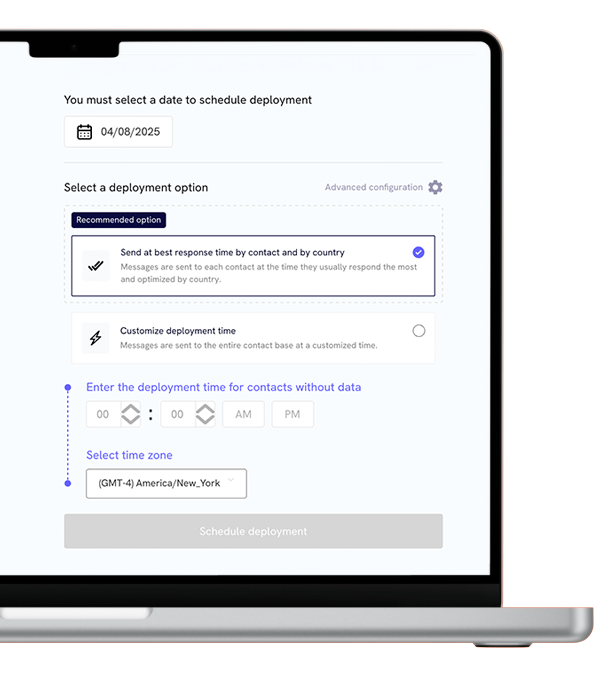
Sending messages outside business hours, or all at once, can dramatically hurt your reply rate. With Treble, you can schedule sends based on:
User time zone
Lead segment (e.g., enterprise vs. SMB)
Team availability
Extra tip: Try A/B testing timing this week and compare reply rates.
✨ Step 4: Use message formatting wisely
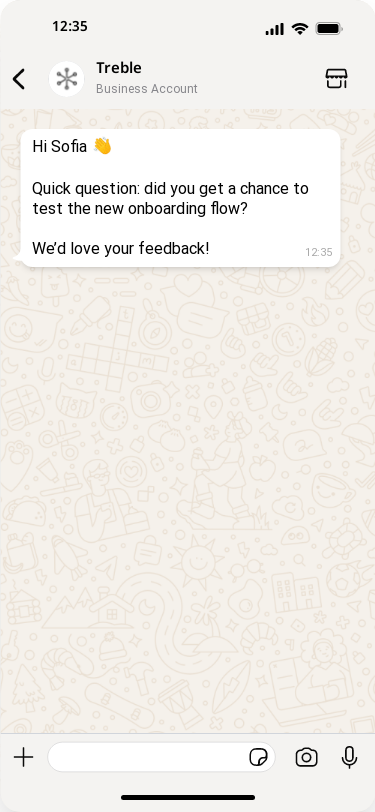
Big blocks of text = no response. Instead, use:
Line breaks (send a big information in multiple messages)
Emojis (when appropriate)
Short paragraphs
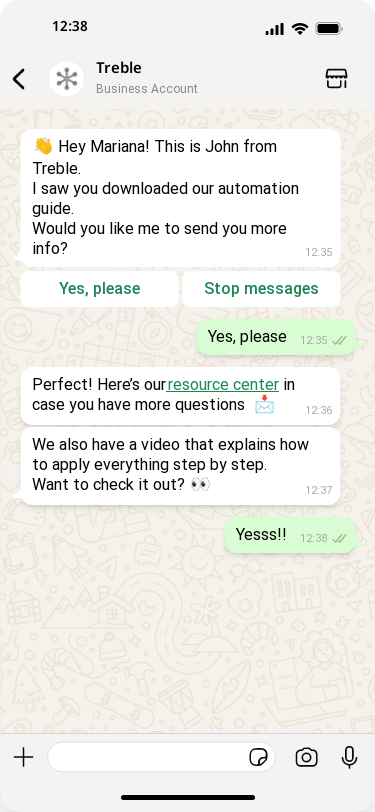
Example:
🧠 Step 5: Add a “human layer” to automations
Automated messages don’t need to feel robotic. Small things make a big difference:
Use natural language (avoid corporate jargon)
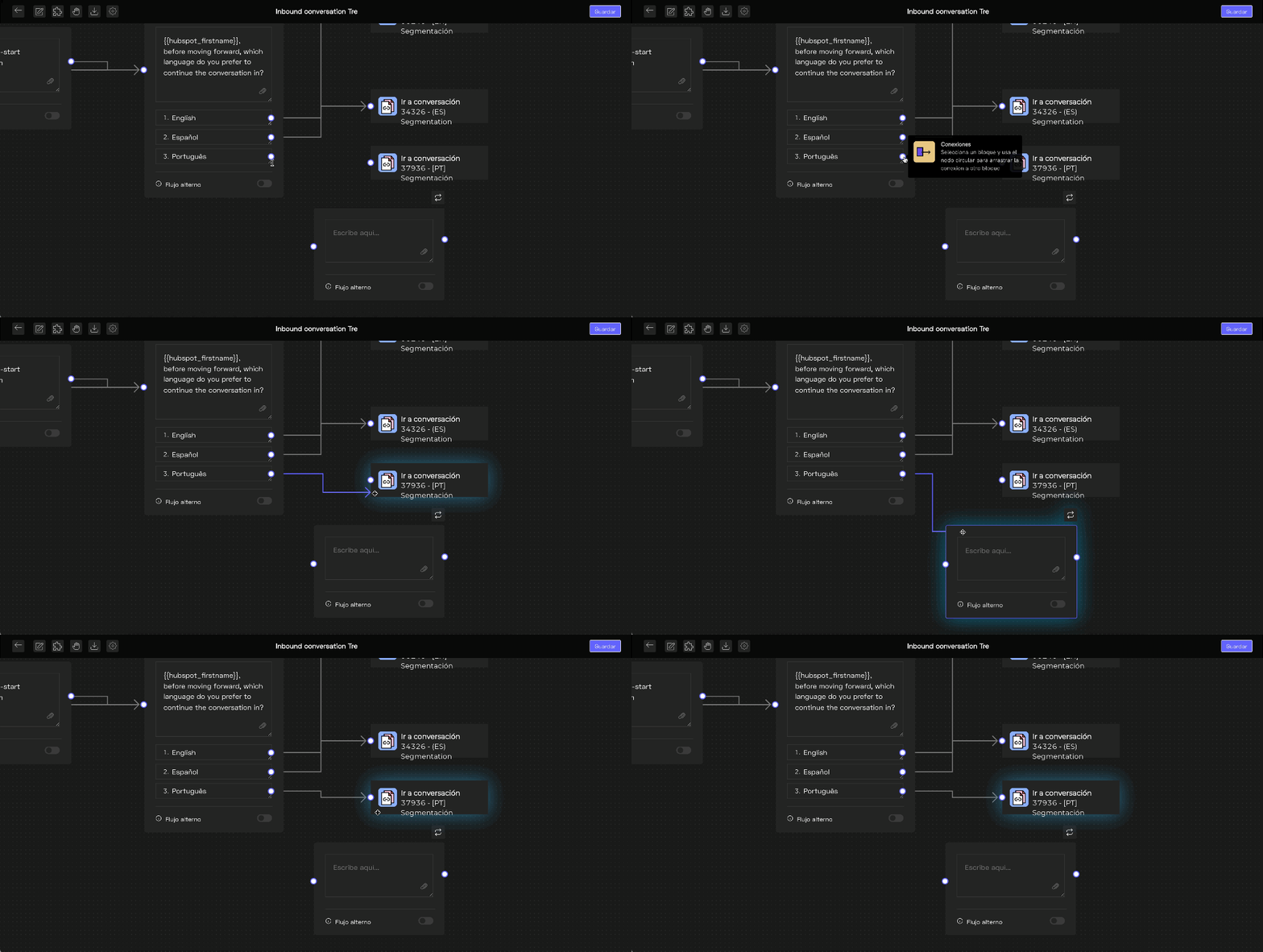
Add “delay” (alternate flow) feature to send multiple short messages
Sign off with a name (“– Pedro, from Treble”) if it’s more formal. Or introduce yourself in the beginning when less formal.
Extra tip: check your flows for logic gaps. Are you sending follow-ups too soon? Are CTAs clear?
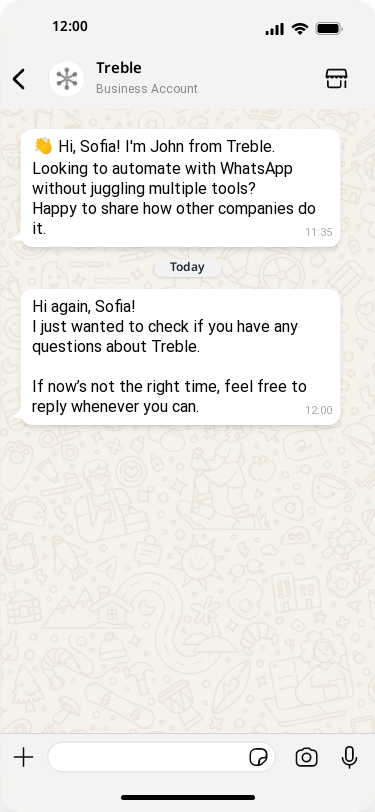
🔁 Step 6: Follow up… but do it smart
The first message rarely gets the reply. You need to follow up, but not spam. Best practices:
Queremos que te conviertas en un experto capaz de comprender a tus clientes a fondo. Así podrás impulsar ventas por whatsapp y estrategias de marketing más efectivas, mientras optimizas tu tiempo y presupuesto para alcanzar el éxito.