Creating an HSM template for WhatsApp Business API can feel like a process full of rules. Which category should you choose? What content should you include? Where should you use variables? Why might a template get rejected?
The good news is you don’t need to turn every template into a puzzle.
With a clear structure and a few best practices, you can create messages that are more relevant to your customers and increase your chances of approval from Meta.
In this guide, we’ll cover how HSMs work, what categories exist, what mistakes can lead to rejection, and how to simplify the whole process with Treble.
What Is an HSM in WhatsApp Business API?
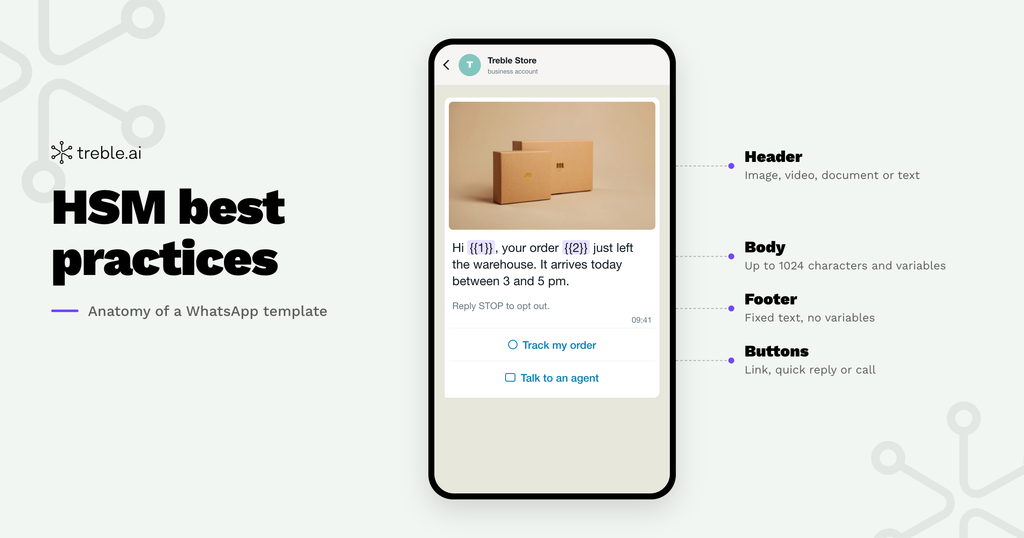
HSMs, or Highly Structured Messages, are predefined message templates used in WhatsApp Business API conversations.
Meta requires templates to be approved before use, as part of its efforts to reduce spam, maintain the quality of business communications, and protect the user experience.
This is especially relevant when a business needs to start a conversation or reach out outside the 24-hour service window.
But there’s an important difference between creating a template and creating a good template.
A good HSM should be clear, relevant to the customer’s context, and consistent with the goal of the conversation.
How Does Meta’s HSM Approval Process Work?
After you create a template, it goes through a Meta review before it can be used.
There’s no formula that guarantees a template’s approval. However, some elements can directly influence the outcome of the review: the category chosen, the content, the use of variables, the format, and compliance with WhatsApp policies.
That’s why thinking about approval from the moment of creation can save you time and avoid unnecessary adjustments.
A Simple Rule:
The template must do exactly what it says it does.
If it’s an order update, it should focus on the order. If it’s a promotion, it should reflect Marketing communication. If it’s an authentication code, it should be used for that purpose.
The clearer the goal, the easier it is to build a consistent template.
The 3 HSM Categories You Need to Know
Before writing your template, there’s an important decision: what type of message are you creating?
WhatsApp templates are organized into three main categories: Marketing, Utility, and Authentication.
1. Marketing
For commercial and promotional communications.
For example:
- Launches
- Offers and promotions
- Product recommendations
- Reactivation campaigns
- Engagement-generating communications
Example:
Hi {{1}}, we have a special offer for you. Check out what’s new.
If the main goal is to promote, sell, or generate a new business interaction, Marketing is probably the right category.
2. Utility
For communications related to a specific action, transaction, or customer interaction.
Some examples:
- Order confirmations
- Shipping updates
- Appointment reminders
- Account updates
- Payment information
Example:
Hi {{1}}, your order {{2}} has shipped. You can track its status here: {{3}}.
Here’s an especially important rule: don’t mix transactional information with promotional content.
A message that starts by talking about an order but ends up offering a discount may stop being purely Utility and shift toward a Marketing intent.
3. Authentication
For messages related to user authentication.
For example:
- Verification codes
- Identity confirmation
- Account access
- Login verification
In this case, the message should stay focused on the authentication function and follow the specific requirements for this template type.
How Can You Increase Your HSM’s Chances of Approval?
It’s not about finding the “magic words” Meta wants to see.
It’s about making the message clear, consistent, and relevant.
1. Choose the Category Based on the Real Goal
Don’t choose Utility just because it seems like a more convenient category.
Ask yourself:
Why am I sending this message?
If the answer is “to promote something,” it’s probably Marketing.
If it’s “to update the customer on something they already did,” it’s probably Utility.
The category should reflect the intent of the message, not the intent to get a certain classification.
2. Keep the Message Clear
Avoid overly vague messages:
“We have something important for you.”
Important what? Why should the customer open it?
It’s better to give context:
“Your appointment for {{1}} is confirmed for {{2}}.”
The user immediately understands what’s happening and what information they’re receiving.
3. Use Variables to Personalize, Not to Hide Information
Variables like {{1}} and {{2}} let you adapt the message to each customer.
But the text should still make sense on its own.
Less clear:
“Hi {{1}}, your {{2}} is ready for {{3}}.”
Clearer:
“Hi {{1}}, your order {{2}} is ready for pickup at {{3}}.”
Also, pay attention to variable formatting. Poorly formatted, out-of-order parameters, or ones without proper examples can lead to rejections.
4. Avoid Promotional Content in Utility
This is one of the most common mistakes.
Utility:
“Your invoice {{1}} is due on {{2}}.”
Marketing:
“Pay your invoice before {{2}} and enjoy a discount.”
The second message includes a commercial incentive. Because of that, it shouldn’t try to present itself as a purely transactional communication.
When the goal changes, the category can change too.
5. Review the Format Before Sending
Some issues are much easier to avoid:
- Incorrect variable brackets
- Variables out of order
- Variables without examples
- Variables at the start or end of the message
- Content that violates WhatsApp policies
- Overly generic messages
These are small details, but they can turn into major delays when a campaign is ready to launch.
What Happens After Approval?
Approval is only part of the story.
Meta also considers quality signals related to user interaction. A template can perform well when it generates positive interactions, while a high number of blocks or reports can affect its quality and, eventually, its delivery.
That’s why a good HSM should answer two questions:
Can Meta approve it?
and
Does the customer have a good reason to interact with it?
The second one is what turns a correct template into a useful tool for the business.
Create Your HSMs with Treble
If the process seems complicated, you can simplify it.
With Treble, you can create your HSM templates directly from the platform and submit them for Meta’s approval. This way, your team can centralize the creation and management of templates without adding unnecessary steps to the operation.
And creating a template doesn’t have to mean always sending the same static message.
Treble also lets you work with formats designed to make conversations more dynamic and easier to engage with.
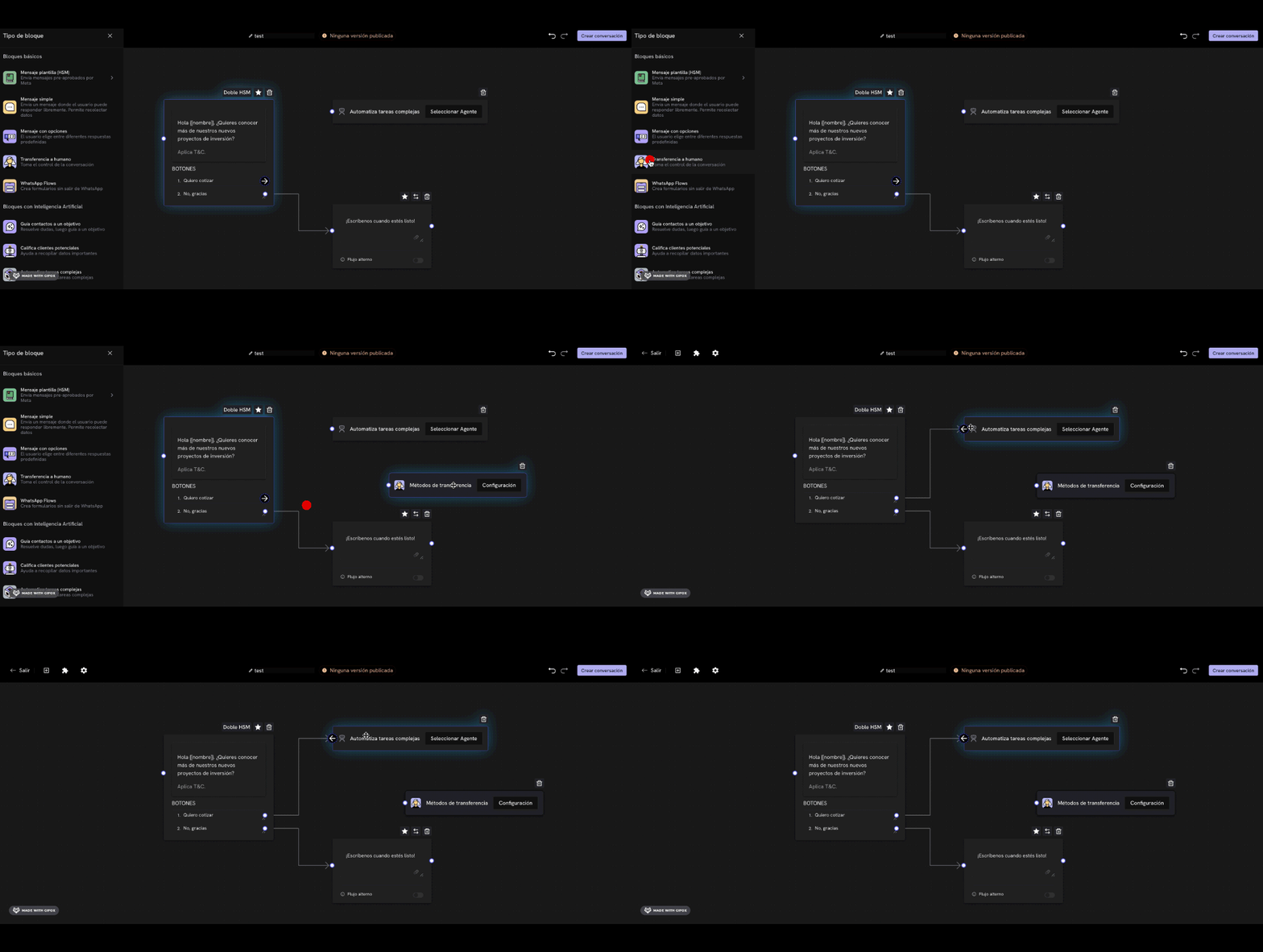
Double HSM
Build a more complete communication using a sequence of templates to guide the customer through the conversation.
Carousel HSM
Present multiple options within a single message, with images or videos, text, and action buttons. Carousels can include between 2 and 10 cards.
Ideal for showcasing products, services, or different alternatives without making the customer leave WhatsApp.
Different CTAs
Adapt the call to action to the goal of each conversation: reply, visit a website, call, or move to the next step.
The goal isn’t just to send more messages.
It’s to make every interaction clearer and easier to continue.
Simpler HSMs. More Effective Conversations.
Creating a good template for WhatsApp Business API shouldn’t feel like navigating a maze of rules.
When you understand the categories, keep your content clear, and avoid the most common mistakes, the process becomes much simpler.
And with Treble, you can bring that simplicity to your operation: create your HSMs, submit them for approval, and use interactive formats to build conversations that help your business move forward.
Because simplifying communication also means making it easier to go from a conversation to an opportunity.
Discover how to do it with Treble.
Continue reading “How to Choose a WhatsApp BSP in LatAm: 8 Key Criteria Before You Sign”