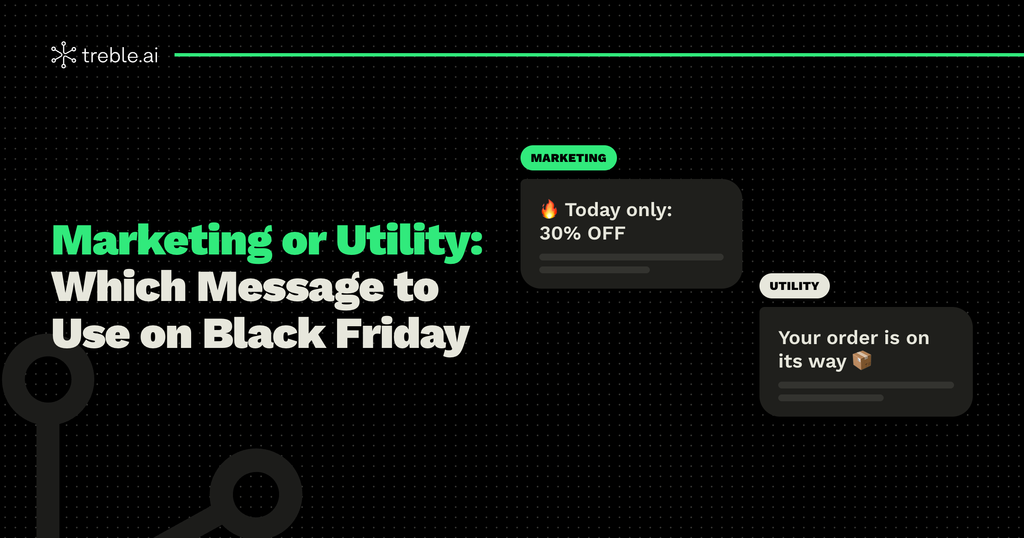
On Black Friday, you’ll send a lot of messages on WhatsApp: deals, reminders, confirmations, shipping updates. They all land in the same chat, but for Meta they’re not the same. Each one belongs to a different category, and choosing the right one determines whether your template gets approved, how much you pay for it, and how your customer receives it.
In this article, we explain the difference between marketing and utility messages, and which type of message to use at each stage of your Black Friday.
Message Categories in WhatsApp Business API
The templates you send to your customers are classified into three categories:
- Marketing: deals, promotions, launches, invitations, and any message that aims to drive a sale or interest.
- Utility: messages about a transaction or account the customer already started, such as an order confirmation or a shipping update.
- Authentication: verification codes to log in or confirm an identity.
On top of these, there are service messages: the replies you send when the customer messages you first.
On Black Friday, the two categories you’ll use the most are marketing and utility. And the line between them is thinner than it seems.
The Rule to Tell Marketing and Utility Apart
Ask yourself: is the message about something the customer already did, or about something you want them to do?
If it informs about an order, a payment, or an account that already exists, it’s utility. If it aims to get the customer to buy, visit your store, or take advantage of a deal, it’s marketing.
There’s one key detail: a utility message can’t include promotional content. If you add “get 20% off your next purchase” to an order confirmation, that message becomes marketing. Meta reviews the content of every template and can change its category.
Which Message to Use at Each Stage of Your Black Friday
Before: warm up your list
- Invitation to join the early-access list: marketing.
- Heads-up that deals are coming soon: marketing.
During these weeks, everything you send to build anticipation and drive sales is marketing. That’s why it’s important to segment well and not overwhelm your list before the big day.
During: sell
- Deal launch: marketing.
- Personalized discount: marketing.
- Abandoned cart reminder: marketing.
- Last-hours alert: marketing.
Abandoned carts often raise questions. Although they relate to something the customer did, the goal of the message is to get them to complete the purchase, so it’s classified as marketing.
After the purchase: deliver
- Order confirmation: utility.
- Payment confirmation or payment issue: utility.
- Shipping and delivery update: utility.
This is where utility shines. These are messages customers expect and appreciate, and they reduce inquiries to your support team: a customer who knows where their order is doesn’t message you to ask.
Post-purchase: build loyalty
- Product recommendations or repeat purchase: marketing.
- Cyber Monday deal: marketing.
Once the order is delivered, any message that aims for a new sale becomes marketing again.
Why the Category Matters More in 2026
Since October 1, Meta charges for utility and service messages that could previously be free within the customer service window. That means on Black Friday you pay for practically every message you send, and the category determines how much.
In general, marketing rates are higher than utility rates, although they vary by country. Classifying each template correctly helps you budget accurately and avoid surprises on your bill. If you want to calculate your budget step by step, check out our guide to budgeting for Black Friday with the new WhatsApp pricing.
Common Mistakes When Choosing a Category
- Disguising a deal as utility: sending a promotion as if it were an account notice to pay less. Meta detects it and recategorizes or rejects it.
- Mixing information and promotion: adding a coupon to an order confirmation turns the whole message into marketing.
- Not using utility: sending confirmations and shipping updates only by email, right when your customer is looking at WhatsApp.
- Using one template for everything: it’s better to have separate, specific templates for each stage.
How to Organize Your Black Friday Templates
Map out the purchase journey and assign a template to each stage: invitation, launch, cart, last hours, confirmation, shipping, and repeat purchase. Make sure utility templates are purely informational and marketing templates have a clear call to action. Then submit them for approval ahead of time. Here’s how to get Meta to approve your templates.
Every Message in Its Place
Choosing between marketing and utility isn’t a technical detail. It’s what makes your deals land, keeps your customers informed, and stops your budget from spiraling during the most important week of the year.
At Treble, we help you design and automate every message of your Black Friday, from the first deal to the delivery confirmation. If you want to prepare your templates ahead of time, talk to our team.