Imagine this: Black Friday arrives, your deals are ready, your campaign is scheduled, and on that very day your templates get paused. It’s not an unusual scenario. During peak season, many businesses send more messages, to more people, with less care, and the result is blocks and restrictions at the worst possible moment.
The good news is that it can almost always be prevented. In this article, we explain how Meta evaluates your account and which practices to follow to avoid WhatsApp blocks on Black Friday.
Why Blocks Increase on Black Friday
On Black Friday, your customers receive deals from dozens of brands at the same time. Their patience runs short and the block button is right there. On top of that, there are mistakes that repeat every season: sending to lists without permission, repeating messages several times a day, or sending the same offer to everyone regardless of their interests.
Every block or report is a negative signal for Meta. And when they pile up, the consequences come fast.
How Meta Evaluates Your Account
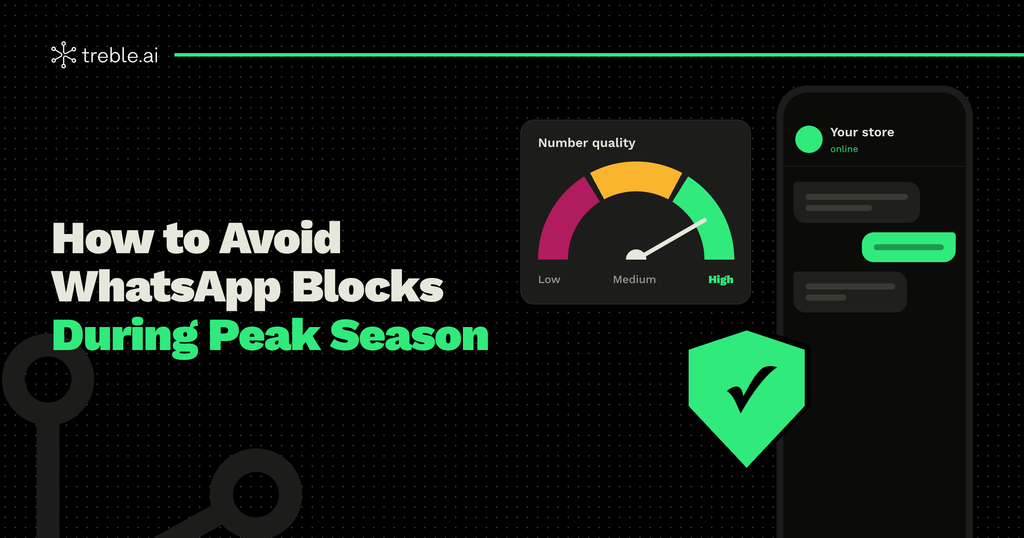
Your phone number’s quality
Meta assigns your number a quality rating based on how people have reacted to your messages over the last few days. It’s shown as high, medium, or low, and you can see it in WhatsApp Manager, inside your Business Manager, as well as directly in your Treble account. Blocks and reports are the signals that affect it the most.
Your templates’ quality
Each template also has its own quality rating. If one gets a lot of negative reactions, Meta can pause it for a few hours and, if the problem continues, disable it. In the middle of a campaign, that means losing your main message. To avoid it, check out our best practices for creating HSM templates.
Messaging limits
Messaging limits determine how many unique customers you can reach per day with business-initiated messages. To increase them, you need a verified business and a good sending history. That’s why it’s worth checking your limit before planning your campaigns.
8 Practices to Avoid Blocks During Peak Season
1. Only message people who gave you permission
This is the most important rule. A list built with clear opt-in generates far fewer blocks than a bought or reused one. If you’re still building yours, here’s how to build your contact list before Black Friday.
2. Segment your sends
Not all your customers want the same offer. Send each message to the group most likely to be interested, based on their purchase history or what they asked about. A relevant message almost never gets blocked.
3. Watch your frequency
Three messages in one day is too many, even on Black Friday. Set a schedule with a few well-spaced sends: early access, launch, and last hours. Keep in mind that Meta also limits how many marketing messages each person receives, so sending more doesn’t guarantee your messages get delivered.
4. Ramp up your volume gradually
If you normally send very little, don’t jump to messaging your entire list on Black Friday. Start increasing your sends in October with valuable messages, so your account arrives with a solid track record.
5. Make it clear who’s writing
Your customer needs to recognize you in seconds. Use your brand name, a clear profile picture and, if possible, the Meta Verified blue check. In a season full of scams, trust prevents blocks.
6. Include an option to stop receiving messages
It sounds counterintuitive, but a “Stop receiving offers” button reduces blocks: people who don’t want your messages have a way out instead of reporting you. And when someone unsubscribes, respect their decision right away.
7. Use the right category
Disguising a deal as a utility message can lead to rejections and recategorizations. We explain the difference in our article on which message to use at each stage of your Black Friday.
8. Monitor your account every day
During Black Friday week, check your number’s and templates’ quality daily in WhatsApp Manager. If you catch a drop early, you can fix it before a pause hits.
What to Do If Quality Drops Mid-Campaign
If you see your number’s or a template’s quality start to fall:
- Pause mass sends and review who you’re messaging.
- Identify which template is generating the most blocks and adjust its content or its segment.
- Lower the frequency and prioritize your most active customers.
- Have approved backup templates, so you don’t depend on a single message.
Showing up with approved backup templates is one of the best ways to protect your campaign. Here’s how to get Meta to approve your templates.
A Healthy Account Sells More
Avoiding blocks isn’t just a technical issue: it’s part of your sales strategy. An account with good quality reaches more people, keeps its templates active, and builds more trust during the most competitive week of the year.
At Treble, we help you segment your campaigns, automate your sends, and monitor your account’s health, so you reach Black Friday with everything running smoothly. If you want to get your operation ready ahead of time, talk to our team.